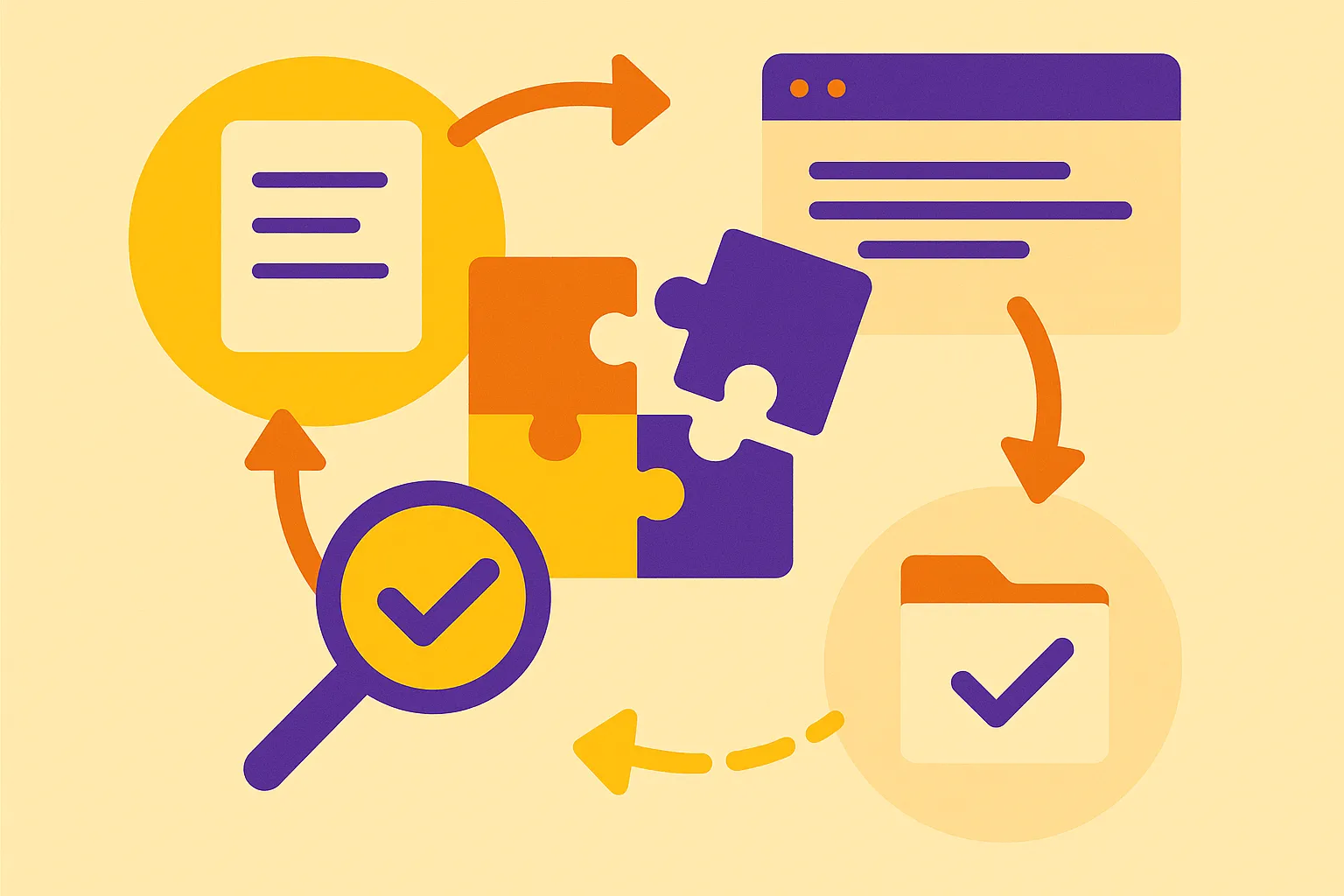
What the localisation process looks like from source file to final review
Translation is one step inside a longer chain. A working localisation process starts with source extraction — pulling strings, topics, or manual chapters out of a CMS, repository, or DITA source — and continues through segmentation, translation, bilingual review, in-context QA, file reassembly, and long-term maintenance of the language assets you generated along the way. Microsoft’s globalisation documentation describes the file-level plumbing behind this: XLIFF standardises the localisable data passed between tools, while TMX is the common exchange format for translation memory data.
Documentation and localisation leads rarely judge that chain on speed alone. What matters is repeatability across releases, governance over who approves terminology and who signs off on a language, throughput when a product ships in twelve locales at once, and terminology control so that "fastener," "actuator," or "tenant" resolve the same way every time.
Translation memory sits inside that chain as a control point, not a bolt-on feature. The same Microsoft documentation defines a translation memory as a database of source segments paired with their translations, where a segment may be a word, sentence, or paragraph. That positioning raises the operational questions worth answering before you buy anything: where reuse genuinely pays off, where it quietly degrades quality, and how memory, glossaries, and machine translation should be sequenced.
How translation memory works in a localisation workflow
A translation memory (TM) is a database that stores source segments paired with their translated segments in one or more target languages. Microsoft’s localization documentation describes it in exactly those terms, and notes that a segment can be a word, a sentence, or a whole paragraph depending on how the content was split during preparation. That segmentation step is the first place the localisation process either helps or hurts you: badly segmented source files produce fragments that never match cleanly again.
In production, the TM sits inside a computer-assisted translation (CAT) tool alongside terminology databases, spelling and grammar checkers, and machine translation engines. When a translator opens a file, the tool queries the memory segment by segment. An exact match means the incoming string is identical to something already approved. A fuzzy match means it is close but not identical — a changed part number, a reworded step — and the translator edits the stored version rather than starting over. Wikipedia’s overview of translation memory covers the same match logic and the scoring thresholds tools use to rank suggestions.
Two standards govern how this data moves. TMX is the common exchange format for the memory itself, and XLIFF standardises the localizable content passed between tools during a project. Microsoft Learn cites TMX 1.4b, published in 2005, as the current specification — old enough that support varies in practice. Before migrating a memory between systems or handing it to a new provider, export a sample, re-import it, and confirm that metadata, language pairs, and context fields survive the trip.
Where translation memory reduces rework across manuals, UI strings, and updates
Translation memory pays off wherever the same sentences come back. Microsoft’s globalization documentation describes a translation memory as a database that stores source segments paired with their translated equivalents, where a segment can be a word, a sentence, or a paragraph. That granularity is the whole point: an installation warning written once in an operator manual can be reused in the quick-start guide, the help centre article, and the tooltip that references it.
Two match types do the work. Exact matches return previously approved wording verbatim; fuzzy matches surface near-identical segments so a linguist edits rather than retranslates. For versioned documentation, the practical win is carryover — when a revised file goes back through the tool, unchanged segments come through already translated, and reviewers only see what actually moved. A firmware release that touches 40 of 900 UI strings becomes a 40-string review, not a full pass.
Consistency across languages is the second benefit, and it matters most where wording is compliance-sensitive. Hazard statements, regulatory phrasing, part names, and safety verbs need to stay stable across every update and every target language. A translation memory enforces that at the segment level, while a glossary governs terminology below it.
Be honest about the conditions. This part of the localisation process helps most with recurring content, structured file formats such as XLIFF, and frequent revisions against a stable source. Rewritten marketing copy, scanned PDFs, and one-off content produce few usable matches — and a memory built from unreviewed output propagates errors just as efficiently as it propagates good translations.
When translation memory is not enough on its own
Reuse only pays off when there is something to reuse. A memory earns its keep on revised manuals, release-note updates, and interface strings that shift a few words at a time. It does very little for a brand-new white paper, a heavily rewritten safety chapter, or marketing copy that is meant to be re-created rather than matched. Poor segmentation has the same effect: if source files are broken into fragments that split sentences across tags or table cells, the stored pairs stop lining up and match rates fall even on content that has been translated before.
A memory also does not govern terminology, approve anything, or clean up files. Microsoft Learn describes translation memory as one component alongside terminology tools, checkers, and machine translation inside a computer-assisted translation environment — it is a database of source and target segments, not a quality system. Termbases still need an owner, review still needs a qualified linguist, and file preparation still decides what the memory ever sees.
Machine translation fills the gap where no match exists. Paired with a glossary that constrains key terms and a human review pass sized to the risk of the document, it handles the untranslated remainder that reuse cannot cover.
The quality of any memory tracks the discipline behind it: clean source content, corrections pushed back after review, and periodic cleanup of duplicate or outdated segments. Reuse is a real lever in the localisation process. It is not a substitute for the controls around it.
How glossary control, machine translation, and review fit around TM
Translation memory stores and reuses approved segments, but it does not decide which term is correct. That job belongs to the glossary — the termbase that fixes preferred renderings for product names, UI strings, part numbers, safety terms, and regulated phrasing, then applies them across every project and target language. Microsoft’s globalisation documentation describes computer-assisted translation environments as bundles of translation memory, terminology tools, checkers, and machine translation, and that bundling is the point: terminology control sits alongside the memory, not inside it. Without it, a memory will happily propagate an old term at 100% match confidence.
Machine translation belongs earlier in the chain, where draft speed matters. A common sequence is memory first, machine translation for what the memory does not cover, then glossary enforcement and quality checks on the merged output. Segments below a useful fuzzy threshold go to raw drafting; exact matches from approved content do not need re-drafting at all.
Review is the gate that catches what automation cannot see: a segment that is grammatically fine but wrong in context, terminology drift introduced by unreviewed machine output, broken placeholders or tags, and length overruns in a compressed interface. For software and manufacturing content — release notes, operator manuals, declarations of conformity — that gate is also where compliance evidence gets created, through recorded reviewer sign-off.
Seen this way, a memory is one control point in a wider localisation process.
What to maintain so translation memory stays useful over time
A memory is only as good as the segments inside it. Left unmanaged, it accumulates duplicates, competing versions of the same sentence, and translations tied to product names or interface labels that no longer exist. Plan for periodic cleanup: deduplicate entries, resolve conflicting matches so linguists aren’t choosing between two "approved" options, update terminology when a product or regulatory term changes, and retire segments from discontinued features rather than letting them surface as fuzzy matches.
Segmentation and file handling quietly decide how much of that memory you can reuse. If one project segments by sentence and another by paragraph, matches stop landing even when the source text is identical. Inconsistent extraction from the same file type — a help centre export one quarter, a flattened document the next — produces near-duplicates that dilute leverage across the whole localisation process.
Compatibility deserves the same attention. TMX is the standard exchange format for memory data, and XLIFF carries localizable content between tools; Microsoft’s globalisation documentation notes that the current TMX specification, 1.4b, dates from 2005. Older formats travel, but metadata such as context, creation date, and approval status often does not, so test a migration on a sample file before committing a full memory.
Before relying on a memory in production, ask concrete questions: Who owns the memory and can you export it in full? How are matches reviewed and approved? Which segmentation rules apply? How are terminology updates pushed back into existing content? What happens to the memory if you change providers?
Treated as a managed asset with clear ownership and a maintenance schedule, translation memory keeps paying back. If you’d like help auditing an existing memory and terminology set, Mesa Translation’s team can review it as part of project scoping.
Leave a Reply